



[ad_1]
Apple has just released iOS 26.1 which includes 9 big changes for your iPhone.

Apple iOS 26(Image: APPLE)
If you own an iPhone, you might want to check your settings this morning. Apple has just released its latest operating system upgrade, and it’s a sizeable update that inlcudes 9 major changes. The upgrade is called iOS 26.1 and it’s available to download right now. All you need to do is head to General > Settings > Software Update and you should see this new option ready to install.
So what’s new in iOS 26.1?
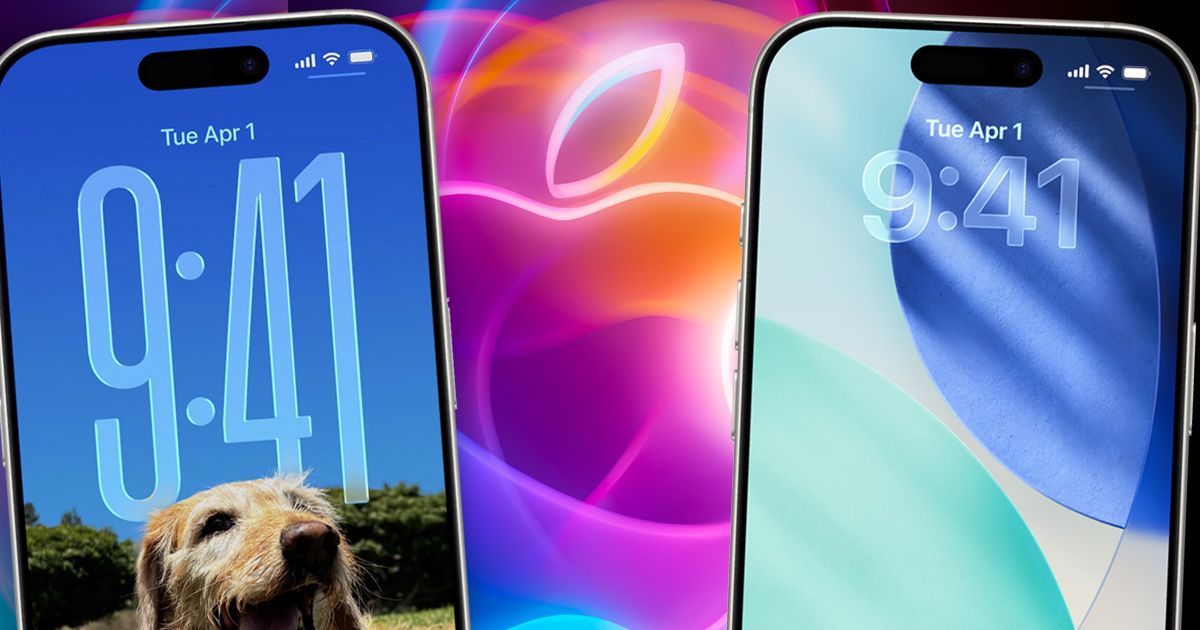
Perhaps the biggest change is the ability to adjust the new Liquid Glass look that arrived in Apple’s initial iOS 26 release back in September. As the name suggests, it gives apps, folders and menus a glass-style appearance on the screen. Apple says this latest upgrade offers you the option to choose between the default clear look or a new tinted look.
Along with that new look, there are plenty of other bonus changes, such as more languages being added to Live Translation on AirPods and a new Camera setting to turn on or off Lock Screen swipe to open Camera. FaceTime calls have also been improved when suffering from a bad connection, with audio quality getting a boost in low-bandwidth conditions
READ MORE: Simple Wi-Fi switch will instantly speed up your broadband, check your router now
There are also some bug fixes and security changes in the release, so it’s well worth installing. Just be aware that the file is over 14GB in size so we’d recommend downloading iOS 26.1 when connected to Wi-Fi.
HERE ARE THE FULL LIST OF CHANGES FROM APPLE
• Liquid Glass setting gives you the option to choose between the default clear look or a new tinted look which increases opacity of the material in apps and notifications on the Lock Screen
• Live Translation with AirPods support for Chinese (Simplified and Traditional), Japanese, Korean and Italian
• Apple Music MiniPlayer swipe gesture to go to the next or previous track
• Apple Music AutoMix support over AirPlay
• Gain control is available for external USB microphones when recording with local capture
• Local capture files can be saved to a specific location
• Manual workout logging is available directly from the Fitness app
• New Camera setting to turn on or off Lock Screen swipe to open Camera
• Improved FaceTime audio quality in low-bandwidth conditions
• Communication Safety and Web content filters to limit adult websites are enabled by default for existing child accounts for ages 13-17 (Age varies by country or region)
FULL LIST OF PHONES COMPATIBLE WITH iOS 26.1
iPhone 11 • iPhone 11 Pro • iPhone 11 Pro Max • iPhone 12 mini • iPhone 12 • iPhone 12 Pro
iPhone 12 Pro Max • iPhone 13 mini • iPhone 13 • iPhone 13 Pro • iPhone 13 Pro Max
iPhone 14 • iPhone 14 Plus • iPhone 14 Pro • iPhone 14 Pro Max • iPhone 15 • iPhone 15 Plus
iPhone 15 Pro • iPhone 15 Pro Max • iPhone 16 • iPhone 16 Plus • iPhone 16 Pro • iPhone 16 Pro Max
iPhone 16e • iPhone 17 • iPhone 17 Pro • iPhone 17 Pro Max • iPhone Air iPhone SE (2nd generation) • iPhone SE (3rd generation)
[ad_2]
Source link
