


Close Menu
GeekPlanet

    Subscribe to Updates

    Be Geeky and subscribe to GeekPlanet for Technology, Security and Gadgets.

    What's Hot

    Tips to Secure Your Online Banking in India

    Android Privacy Controls You Should Enable Right Now

    Upcoming Budget Smartwatches in India This Quarter

    Facebook X (Twitter) Instagram
    • Privacy & Policy
    • Terms & Conditions
    • Contact US
    Facebook X (Twitter) Instagram YouTube
    GeekPlanetGeekPlanet
    AtlasVpn
    • Home
    • Gadgets
    • Entertainment
    • Cyber Security
    • How To’s & Guides
    • Reviews
    • Python
    GeekPlanet
    Home - How To's & Guides - How to Recover Disabled Google Account
    How To's & Guides

    How to Recover Disabled Google Account

    Geek PlanetBy Geek PlanetUpdated:October 9, 20233 Mins Read
    Facebook Twitter Pinterest LinkedIn Telegram Tumblr Email
    How-to-Recover-Google-account-geekplanet
    Share
    Facebook Twitter LinkedIn Pinterest Email
    New Google Account Google gives you many free services when you create it, but if you misuse them or sometimes due to your mistake, Google disables your account, which can cause a lot of loss to you. If you want to recover a disabled Google Account, then follow this method: How to Successfully Recover a Disabled Gmail Account –
    When Google If your account is disabled, you will be able to log in to Gmail. This message appears while signing in –
    “Because we detected unusual activity on your account, we’ve disabled the account for your protection. We want to protect your privacy and make sure that only you have access to your account.”
    Keeping in mind the security, Google disables your account if you send bulk email or if any outsider uses your password or if you enter the wrong password multiple times or if your account gets hacked. You are not able to use any service, this affects your computer and since your mobile contacts are also on Gmail, they also get lost, this becomes a big problem. To recover your Google Account, you have to ensure a few things –
    1. You will have to complete the recovery process from the same computer or laptop from which you always use your account. Actually Google identifies you by your IP.
    2. You will need another email ID, which Google will notify you about after recovery.
    3. You also need to mention when you created the email ID.
    4. You have to tell when was the last time you used your Google account.
    5. Apart from this, you will also have to give information to Google about 5 such email addresses on which you often send emails.
    How-to-Recover-Google-account-geekplanet
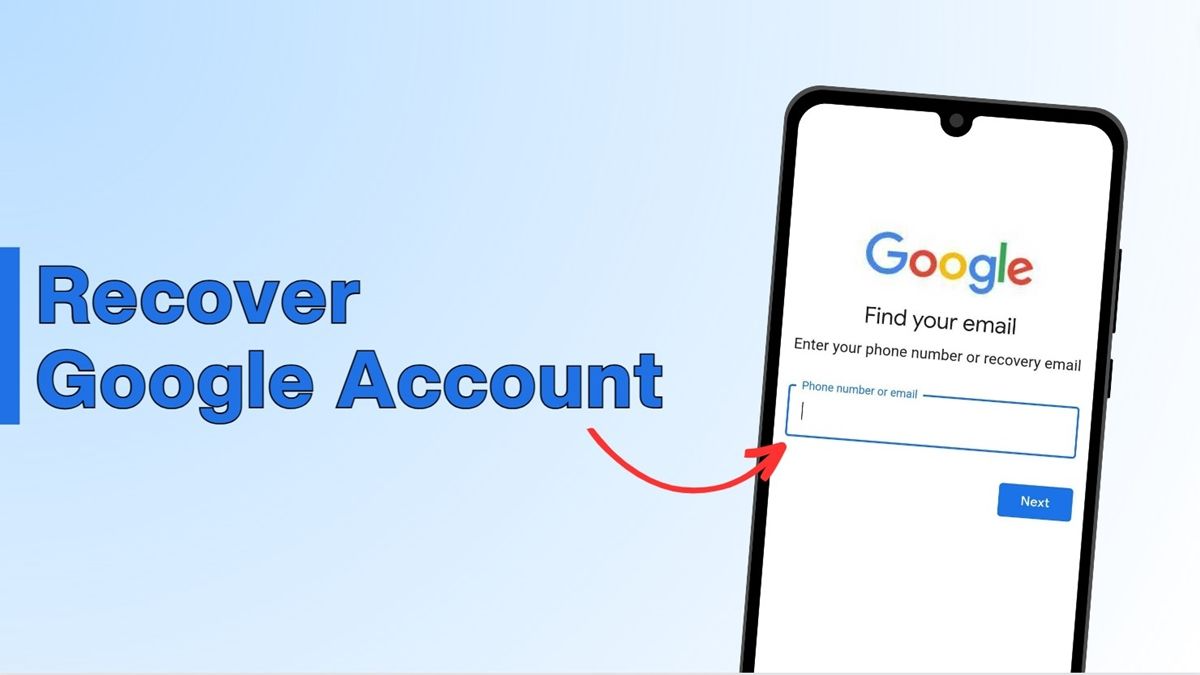
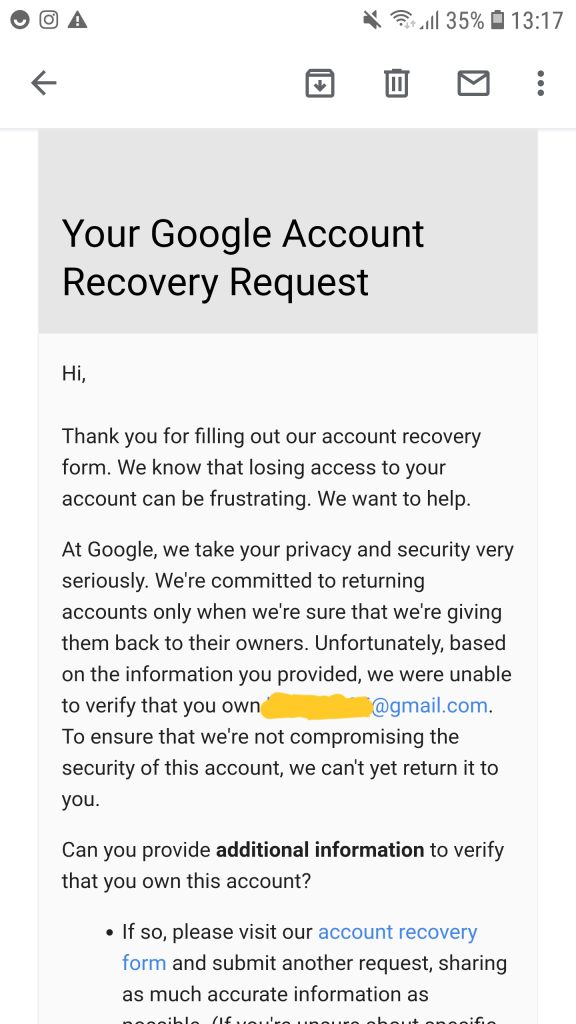
    If you have collected all this information, then you should go to “google.com/accounts/recovery/” recovery form Have to fill and submit, remember that here on the first page you will see “I’m having other problems signing in” radio button You have to select and proceed by filling your disabled email ID, give all the information given above and finally give an alternate email address, so that Google can inform you when your account is recovered. You will receive a mail, on clicking which the Reset Account password page will open, here you give the new password, congratulations! Your disabled Google account has been successfully recovered.
    gmail account recovery, How to Recover Gmail Account Password, Easiest way to Recover, account disabled, suspicious activity, Enable account disabled for invalid activity, retrieve disabled Successfully Recover a Disabled, account disabled what to do, disabled without any reason. I can’t access my account and I have all important data in my emails
    Share. Facebook Twitter Pinterest LinkedIn Tumblr Email
    Geek Planet
    • Website
    • Facebook
    • X (Twitter)
    • Instagram

    Hello, tech enthusiasts! I'm Devender, your guide through the ever-evolving world of technology. With a passion for innovation and a knack for breaking down complex concepts into digestible bits, I'm here to help you navigate the digital frontier.

    Related Posts

    AI Coding Tools Are Reshaping Developer Jobs in 2026

    84% of Developers Use AI Coding Tools Daily, But Productivity Gains Stay at 10%

    Stop Meta From Using Your Instagram Photos for AI: How to Opt Out

    Claude Code Artifacts Turns AI Coding Sessions Into Live Shareable Pages

    Deploying your own personal AI agent with OpenClaw

    How to Create Whatsapp Channel – Understand Step by Step

    Leave A Reply Cancel Reply

    Top Posts

    Tips to Secure Your Online Banking in India

    Data Structures and Their Functions in Python

    How do I edit a sent message on WhatsApp?

    Don't Miss

    Tips to Secure Your Online Banking in India

    Follow these expert tips to keep your bank accounts safe from hackers.

    Android Privacy Controls You Should Enable Right Now

    Upcoming Budget Smartwatches in India This Quarter

    Generative AI Tools Helping Indian Startups Scale Fast

    Stay In Touch
    • Facebook
    • YouTube
    • TikTok
    • WhatsApp
    • Twitter
    • Instagram
    TPS4
    Most Popular

    Tips to Secure Your Online Banking in India

    Data Structures and Their Functions in Python

    How do I edit a sent message on WhatsApp?

    Our Picks

    Tips to Secure Your Online Banking in India

    Android Privacy Controls You Should Enable Right Now

    Upcoming Budget Smartwatches in India This Quarter

    Subscribe to Updates

    Be Geeky and subscribe to GeekPlanet for Technology, Security and Gadgets.

    Facebook X (Twitter) Instagram Pinterest
    © 2026 GeekPlanet.in Managed by MyAdsMantra Global.

    Type above and press Enter to search. Press Esc to cancel.

    Ad Blocker Enabled!
    Ad Blocker Enabled!
    GeekPlanet is a safe place for every tech lover and is made possible by displaying online advertisements to our visitors. Please support us by disabling your Ad Blocker.