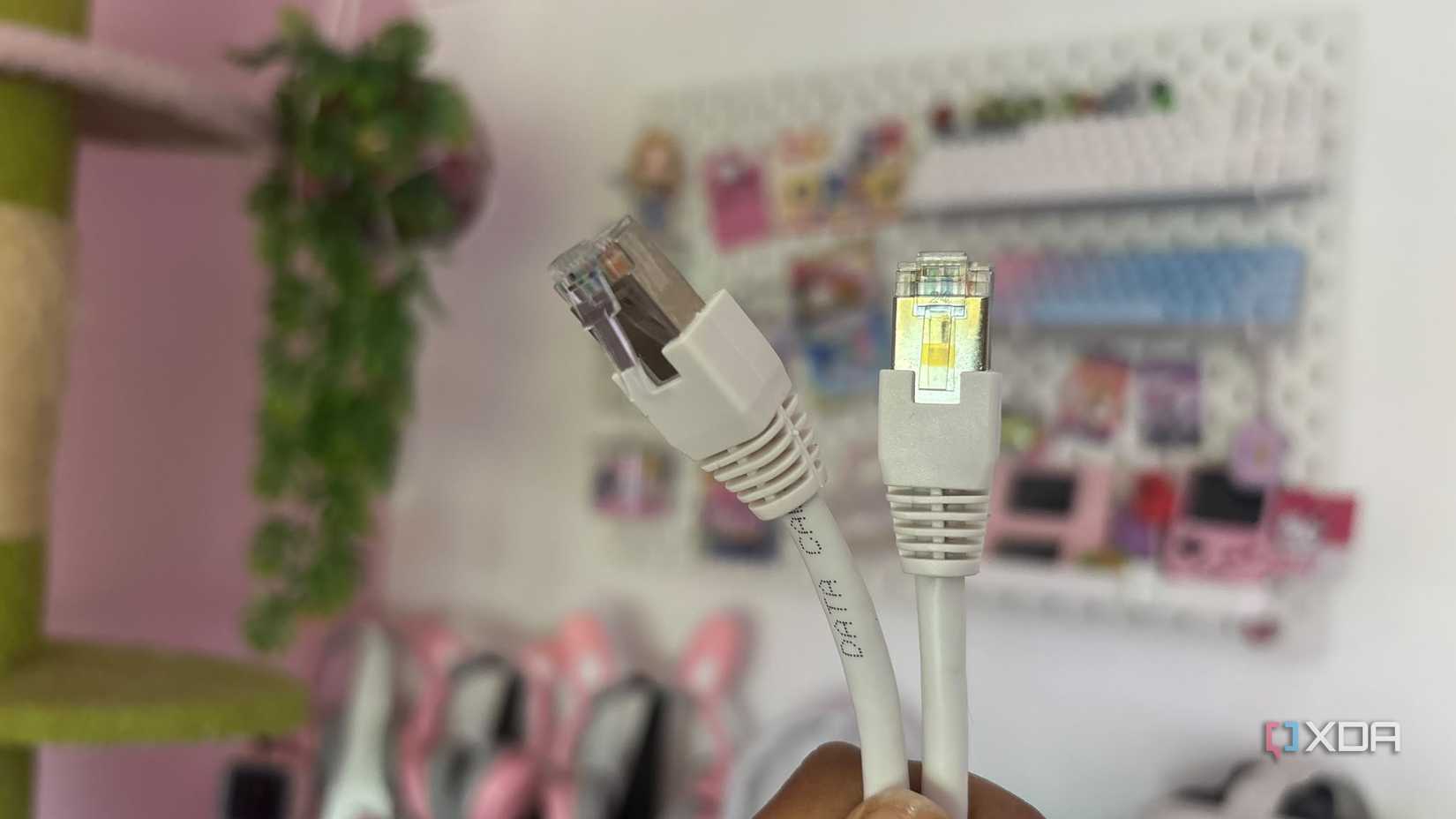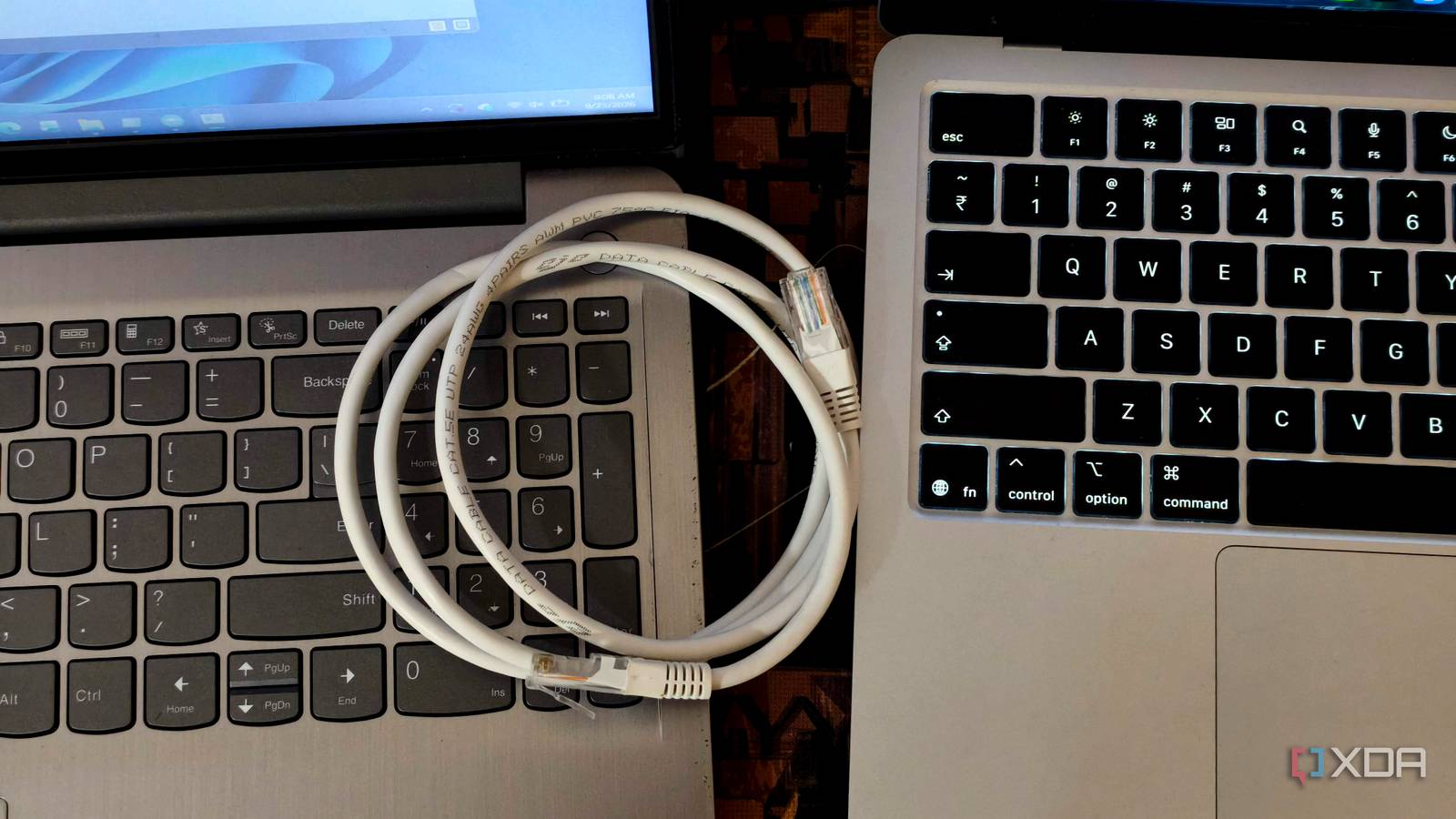
What you need
- Two Windows PCs with Ethernet ports
- An Ethernet cable
Steps
- Connect the PCs with the Ethernet cable.
- Assign static IPs (e.g., 192.168.50.1 and 192.168.50.2).
- Set subnet mask 255.255.255.0 on both.
- On the source PC, enable network discovery and file sharing.
- Share the folder containing your data.
- On the destination PC, open File Explorer and enter \\192.168.50.1\ShareName.
- Authenticate if prompted and copy the files.