



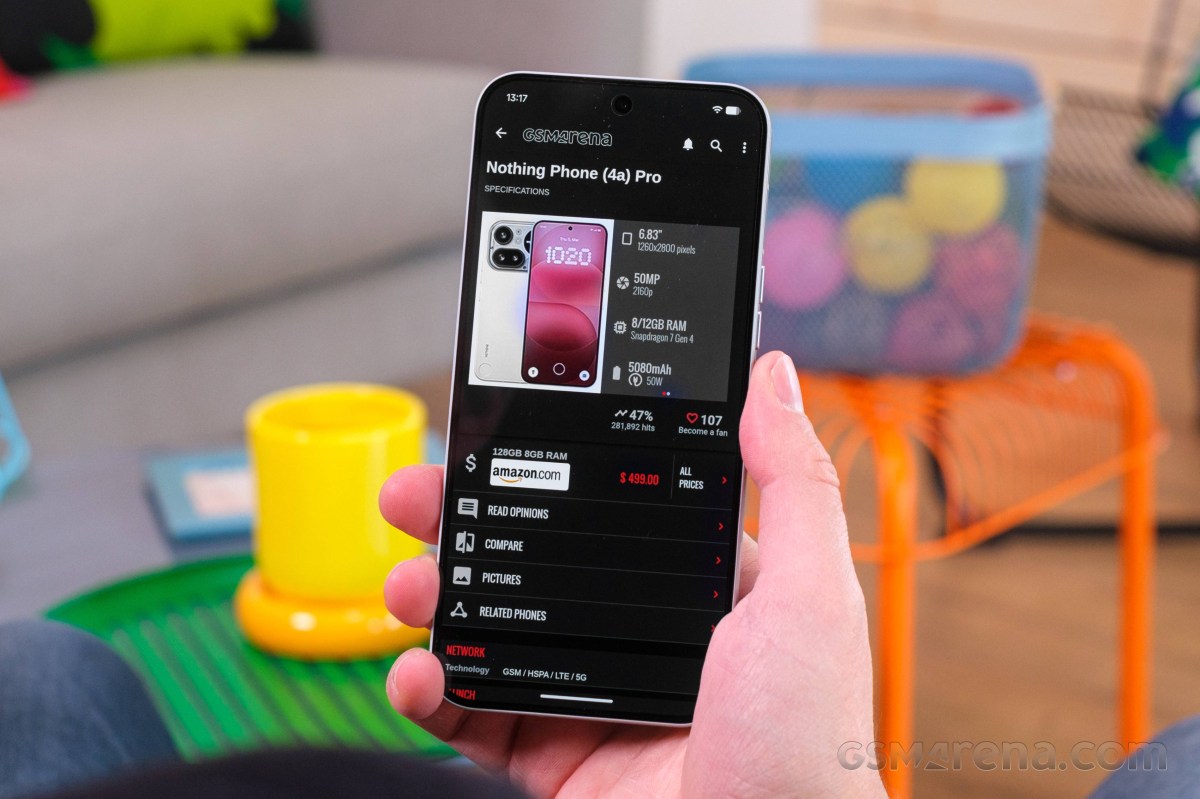
Nothing is handing out Android 17 to its best-selling phones this week. After starting the stable Nothing OS 5 rollout on the Phone (3) earlier in October, the company has now pushed the update to the Phone (4a), Phone (4a) Pro, Phone (3a) and Phone (3a) Pro. The update packs a dedicated Glyph app, a split Quick Settings and notification panel, new lock screen clocks and a long list of camera changes. Here is what is new, how to install it safely, and when the remaining Nothing phones get their turn.
Which Phones Are Getting Nothing OS 5 Now
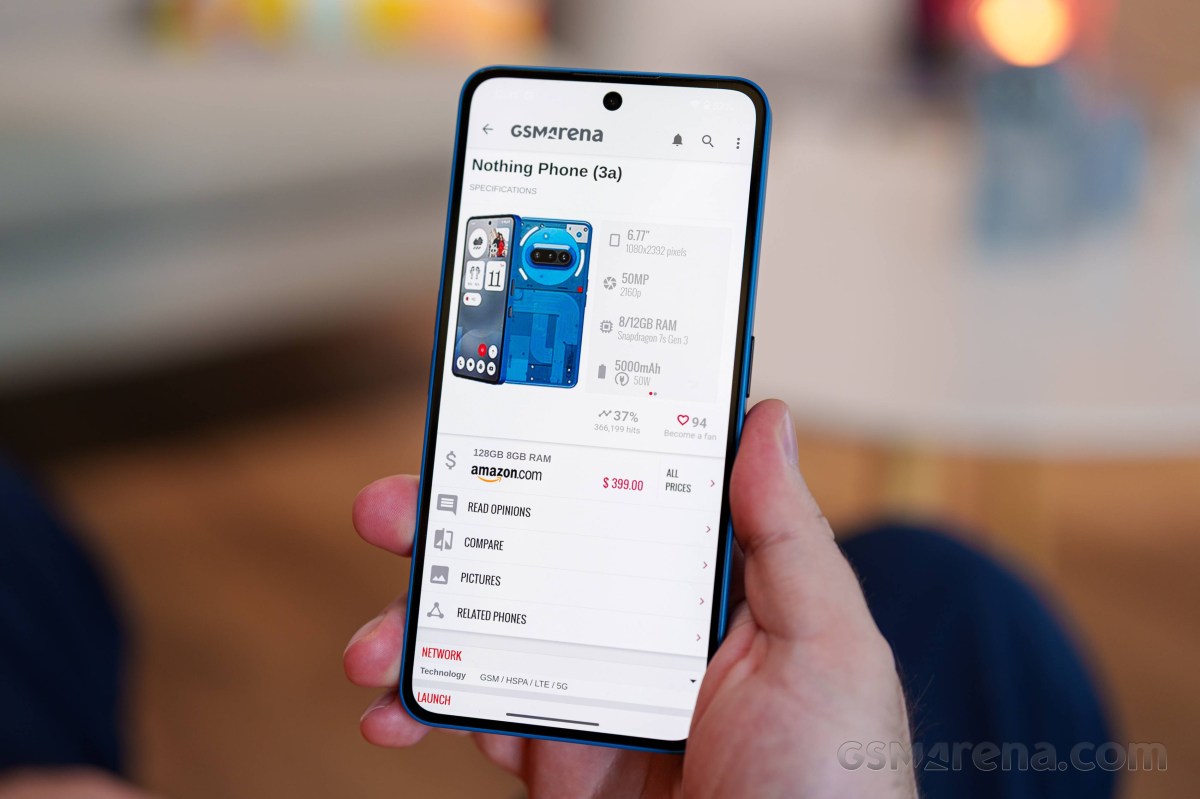
Four devices are receiving the stable Nothing OS 5.0 update based on Android 17:
- Nothing Phone (4a)
- Nothing Phone (4a) Pro
- Nothing Phone (3a)
- Nothing Phone (3a) Pro
They join the Nothing Phone (3), which started receiving the stable update earlier this month. As usual with Nothing, the rollout is staggered, so not every unit will see the update on day one. If you do not want to wait, you can manually check in Settings, then System, then System update.
What Is New in Nothing OS 5
The changelog is one of the bigger ones Nothing has shipped. These features are shared across all four phones now updating:
- Dedicated Glyph app for managing the light interface on the back.
- Split Quick Settings and notification panel, so the shade no longer mixes toggles with alerts.
- Bulk arranging of home screen icons, which finally makes large reorganisations less painful.
- Three-color status bar indicator that flags sensitive access, location and AI processing at a glance.
- Translucent theme for the launcher with a frosted-glass look and subtle accent colors pulled from your wallpaper.
- Two new lock screen clock faces, custom clock face colors and the new Geist typeface.
- A refreshed Settings UI.
- New Collector and Away Time widgets, plus a Glyph Timer widget.
- Expanded Dark theme that forces dark mode on most apps that do not support it natively.
- Adjustable Enhanced HDR brightness and Noto 3D Emoji in Gboard.
- Refined Live Updates in the status bar.
- Single-tap Bluetooth connection and disconnection straight from Quick Settings.
Camera Updates by Model
The camera side of the changelog differs a bit depending on which phone you own.
Phone (3a) and Phone (3a) Pro
- A new Tuning feature with seven adjustable effects.
- Upgraded Presets with a new 2×2 widget.
- Filters and Tuning support for video.
- Dual-view Video.
Phone (4a) and Phone (4a) Pro
- Dual-view Video for recording with the front and rear cameras at the same time.
- Faster Essential Voice transcriptions.
All four phones also get a refreshed Camera UI along with improved recording, zoom, close-up shooting and QR scanning.
How to Install the Update Safely
- Back up your data first. Nothing explicitly recommends this before installing.
- Open Settings, then System, then System update and check manually if the OTA has not appeared yet.
- Keep the phone on charge and on Wi-Fi during installation.
- Do not panic about heat or battery drain. Nothing says the phone may use more power and feel warmer during installation, and that performance returns to normal once the update completes.
- After updating, check that your Glyph settings, launcher layout and Quick Settings toggles survived the jump, since the split panel redesign rearranges where some controls live.
Nothing OS 5 Update Schedule: What Is Next
Nothing has also published the roadmap for the rest of its lineup:
- Mid-November 2026: Phone (2a) and Phone (2a) Plus.
- Late December 2026: Phone (3a) Lite.
- Mid-January 2027: Phone (4b) and CMF Phone 2 Pro.
That schedule means budget models in the 2a series are only a couple of weeks behind the mid-range phones, which is a better pace than most Android makers manage at this price point.
Living With the New Features
Behind the changelog names are a few changes that will affect daily use more than the rest.
The split Quick Settings panel is the biggest workflow change. Notifications and quick toggles finally live in separate spaces, which means less scrolling when you just want to flip Wi-Fi or check a message. The single-tap Bluetooth toggle in Quick Settings removes the old press-and-hold dance just to connect earbuds.
The three-color status bar indicator is a quiet privacy win. Your phone can now show, at a glance, when an app is using sensitive access, your location or on-device AI processing. If you install a lot of apps, this is the kind of signal that helps you catch a rogue permission request before it becomes a problem.
Expanded Dark theme is another practical one. Plenty of apps still do not ship a proper dark mode, and forcing one at the system level saves your eyes during night use and can help battery life on OLED screens like the ones on the 4a and 3a series.
For anyone who uses the Glyph interface, the dedicated Glyph app and the new Glyph Timer widget make the back lights more than a notification gimmick. And for people who track screen time, the Away Time widget brings that data to the home screen instead of hiding it in settings.
How Nothing’s Update Pace Compares
Getting a stable Android 17 build on mid-range phones within weeks of the flagship rollout is a good pace. Samsung and Google have set the bar with long update promises, but budget and mid-range models are usually the last to see new Android versions, often months behind. Nothing sending the same update to the 4a and 3a families at the same time, and committing to a public schedule for the cheaper models, puts pressure on the rest of the segment.
Combined with the seven-year OS update promise Motorola is making on the upcoming Signature 27, buyers in the upper mid-range are getting flagship-level software support more consistently than at any point in Android’s history.
FAQ
Which Nothing phones are getting the Android 17 update now?
The Phone (4a), Phone (4a) Pro, Phone (3a) and Phone (3a) Pro are receiving the stable Nothing OS 5 update based on Android 17. The Phone (3) got it earlier in October 2026.
How do I install Nothing OS 5 on my phone?
Go to Settings, then System, then System update. The rollout is staggered, so the OTA may take a few days to reach your unit. Back up your data first, and expect some extra heat and battery use during installation.
What are the biggest new features in Nothing OS 5?
Headline changes include a dedicated Glyph app, a split Quick Settings and notification panel, a three-color privacy status indicator, a Translucent launcher theme, an Expanded Dark theme and Dual-view Video on the 4a and 3a series.
When will the Nothing Phone (2a) get Android 17?
Nothing has scheduled the Phone (2a) and Phone (2a) Plus for the stable Nothing OS 5 update in mid-November 2026, with the Phone (3a) Lite following in late December.
