



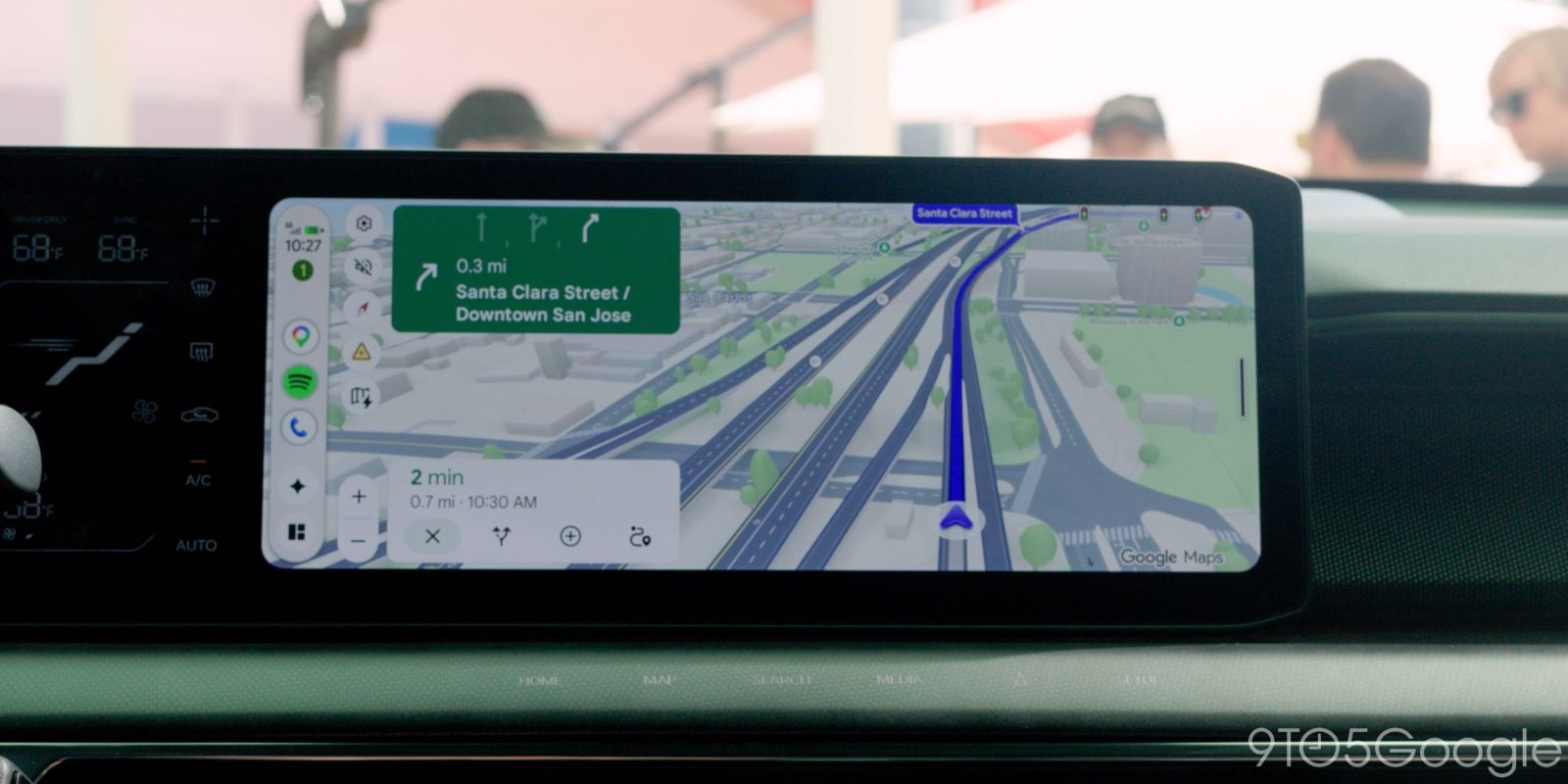
Google has started rolling out the Android Auto 18.2 update, and if you install it expecting a shiny new interface, you will be disappointed. Nothing visibly changes on your car’s display with this release. But dig into the app files and there is a clear signal about what Google is building next: light mode is getting closer, and more than 100 updated assets back that up.
What Is in the Android Auto 18.2 Update
Android Auto 18.2 is heading to beta users first, arriving a little over a week after version 18.1 reached the stable channel. As anyone who follows Android Auto updates knows, these small app releases are mostly about bug fixes rather than features.
That matters more than it sounds. Recent Android Auto builds have been troubled by a long list of problems, including:
- Gemini-related bugs in the assistant experience
- Glitches on foldable phones
- Stray user interface issues on the car screen
- Connection drops between phone and head unit
- Music playback that double-skips tracks
These are not exotic bugs. They are the everyday annoyances that make people blame their car or their phone when the real fault sits in the app between them. That is why a quiet maintenance release matters more than a feature drop.
Google does not publish a changelog for these releases, so the fixes show up as the problems simply stop happening. If any of the above has been bothering you, this is the update to install early.
Light Mode Is Coming, Slowly
The most interesting work in Android Auto 18.2 is invisible to users. A teardown of the app shows Google has updated over 100 assets inside Android Auto in preparation for light mode support. Most of the new artwork covers button designs across the experience.
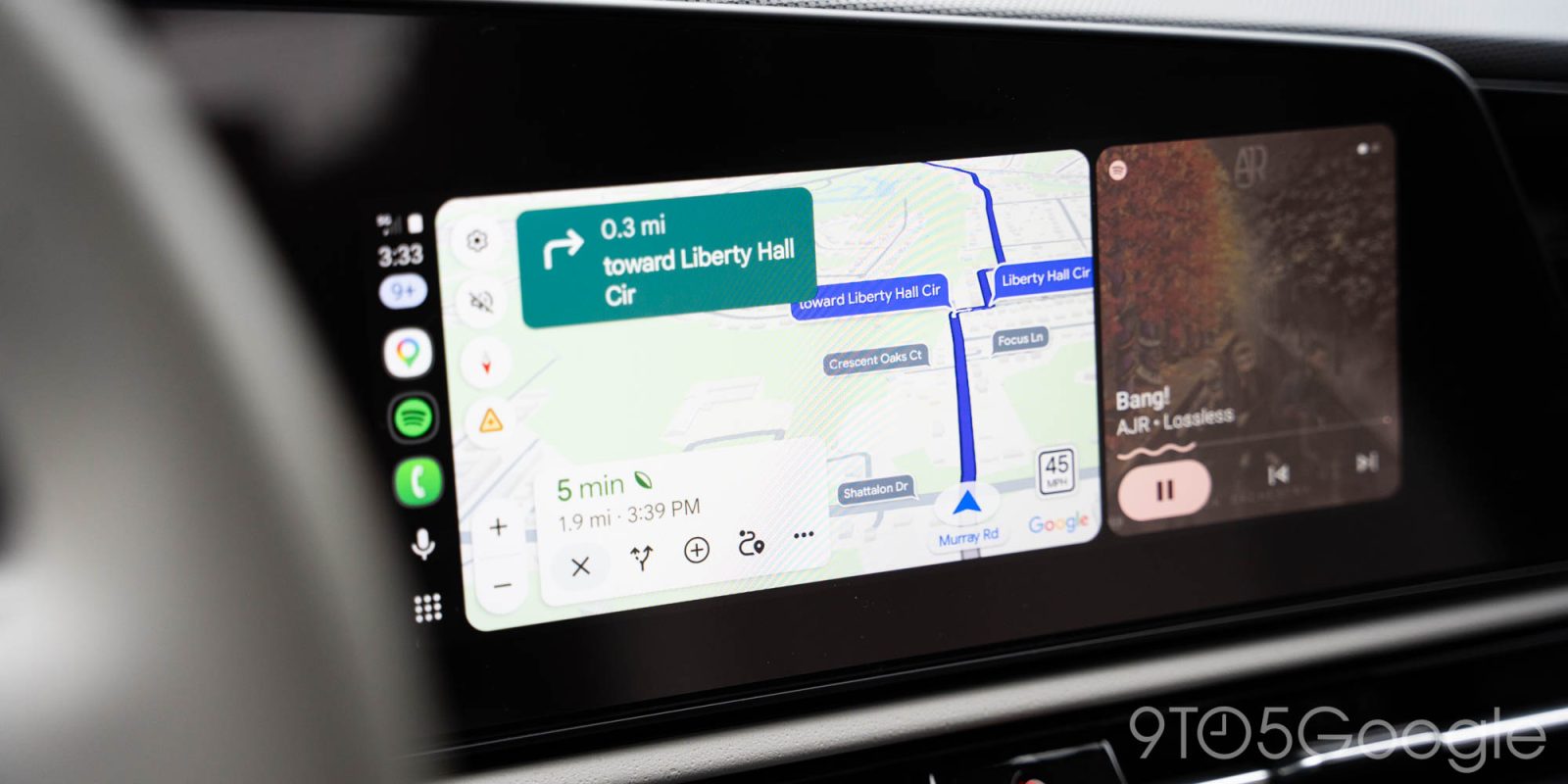
Android Auto has been dark by default for years, which is the safe choice for night driving but leaves bright daylight cabins looking dim. Google first talked about a light interface a while ago, and every recent update has added a few more pieces. When it actually ships is anyone’s guess. There is no launch date in the app, and Google has not announced one.
What we know so far about the light mode build-out:
- More than 100 refreshed assets in version 18.2, mostly buttons.
- Earlier updates added other supporting artwork and layout tweaks.
- Feature flags have appeared in previous builds without the feature going live.
- No release timeline has been shared publicly.
Older Android Phones Still Work, for Now
Android Auto 18.2 also keeps the door open for older phones. Google has confirmed that Android 11 will become the new minimum requirement for Android Auto, but version 18.2 still supports devices running as far back as Android 9.
That means the cutoff is coming but has not landed yet. If your car head unit still relies on a phone stuck on Android 9 or 10, you have some time. Start planning the phone upgrade now, though, because the requirement change could arrive in any coming release.
Why These Small Updates Matter
Android Auto gets a reputation for boring updates, but the steady cadence is exactly what keeps the platform stable across hundreds of car models and phone combinations. The app now updates independently of Android system updates, so fixes reach users in weeks instead of months.
It also helps that Google can ship server-side changes without touching the app at all. Map rendering, assistant behaviour and app compatibility lists all get tuned in the background, which is why two people on the same version can still see slightly different behaviour.
There is also real competition in the space. Android Auto is getting a Gemini upgrade, though early reports say it is limited to Pixel phones. Wireless adapters keep improving, and car makers keep rolling out their own systems. Regular maintenance releases are how Google keeps Android Auto dependable while those bigger features land.
What to Do If Android Auto Acts Up
While you wait for the fixes in 18.2 to reach the stable channel, these steps solve most Android Auto problems:
- Update everything. Install the latest Android Auto app from the Play Store, and update your phone’s Android system WebView and Google app.
- Use a good cable. For wired connections, a cheap charging cable is the single most common cause of random disconnects. Use a data-rated cable.
- Go wireless where possible. If your head unit supports wireless Android Auto, use it. It removes the cable from the failure chain entirely, and the 18.x builds handle wireless handshakes noticeably better than older ones.
- Clear the cache. Settings, Apps, Android Auto, Storage, Clear cache. This fixes strange UI behaviour and connection loops.
- Re-pair Bluetooth. Forget the car’s Bluetooth entry on your phone and pair again from scratch.
- Check the head unit firmware. Car makers ship their own updates. A stale head unit can break features the phone supports.
- Join the beta. If you want fixes early, the Android Auto beta programme on the Play Store is where new builds land first.
What Came Before: The 18.1 Cycle
Version 18.1 hit the stable channel just over a week before 18.2, and it followed the same pattern: no splashy redesign, a pile of fixes, and a few more pieces of unfinished work in the app files. Google runs Android Auto on a short release cycle now, with new builds landing every few weeks. That cadence is deliberate. It lets Google react to head unit quirks and phone-specific bugs faster than a system update ever could.
For users, the practical takeaway from the 18.x cycle so far:
- Feature announcements (Gemini integration, light mode) arrive slowly, spread across several builds.
- Fixes for connection and playback problems arrive quietly and quickly.
- The minimum Android version requirement is being tightened in the background.
What to Expect Next
Looking at what is already in progress, the next few Android Auto releases should bring three things. Light mode is the closest, given the volume of refreshed artwork. The Gemini upgrade is rolling out but early reports limit it to Pixel phones. And the Android 11 minimum requirement will eventually be enforced in code rather than just confirmed in statements.
None of these changes how you use Android Auto today. All three change how it will look and behave through 2027, so keep the app on auto-update and let the improvements arrive on their own.
For now, version 18.2 is the definition of a maintenance release: invisible when it works, valuable when it does not. Install it, keep your cables and head unit firmware current, and check back when light mode finally ships.
Quick Takeaway
- Android Auto 18.2 rolls out to beta users first, with no visible changes.
- The update focuses on bug fixes for Gemini issues, foldables, connections and playback.
- A teardown shows over 100 new assets prepping light mode, but no release date exists.
- Android 11 becomes the minimum requirement soon, though 18.2 still runs on Android 9.
- Install it anyway. Quiet updates are usually the stable ones.
FAQ
What is new in the Android Auto 18.2 update?
There are no new user-facing features in Android Auto 18.2. The update focuses on bug fixes, and a teardown shows over 100 updated assets that prepare for a future light mode. It is rolling out to beta users first.
When is Android Auto light mode coming?
Google has not announced a release date. Every recent update, including 18.2, adds more supporting artwork for light mode, but the feature is not live yet.
Will Android Auto stop working on my old phone?
Eventually. Google has confirmed Android 11 as the new minimum requirement, but Android Auto 18.2 still supports phones running Android 9 and newer. The cutoff has not been applied yet.
How do I get Android Auto 18.2 first?
Join the Android Auto beta programme through the Play Store. Beta users receive these builds before the stable rollout reaches everyone else.
