



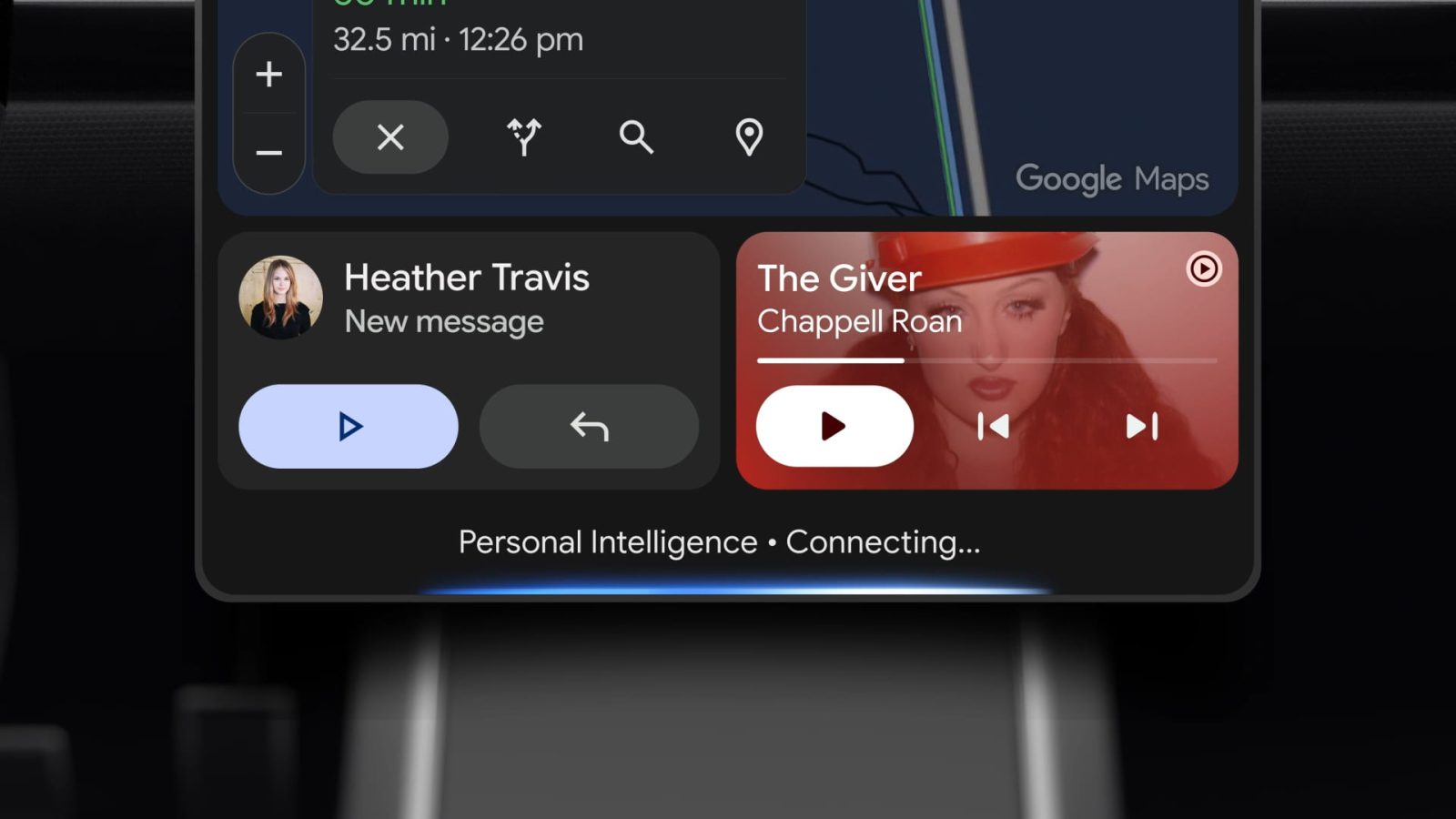
“Take me to the coffee shop we were talking about yesterday.” That is not a sentence you can say to most car assistants. They would ask for the address, the name, or the neighbourhood. Gemini in your car now does the digging for you.
Google has begun rolling out Personal Intelligence for Gemini on Android Auto and on cars with Google built in. The same personal layer that arrived in the Gemini app and AI Mode is now reaching the dashboard, where it can pull details from your Gmail, Calendar, Photos, Maps, Search, and YouTube history to answer questions you never fully ask. Here is what changes behind the wheel and how to keep control of it.
What Gemini Personal Intelligence does in the car
Personal Intelligence taps into your Google account context so your prompts and commands do not have to include specifics. If your flight confirmation is sitting in Gmail, you can ask “What’s my flight gate? And is my flight on time?” and get both answers in one go. As Google puts it, you do not have to hunt for the confirmation email and then run a separate search for delays.
The same applies to navigation. Saying “Take me to my doctor’s appointment” works because Gemini already has the appointment and its location. You do not have to remember the street address or look it up before you drive.
Preferences come along for the ride too. Ask for “an indoor restaurant along my route that matches my usual vibe” and Gemini factors in what it knows about your taste, so you do not have to mention that you are vegetarian with every single command.
Real commands worth trying
Google highlighted a few example queries that show where this is going:
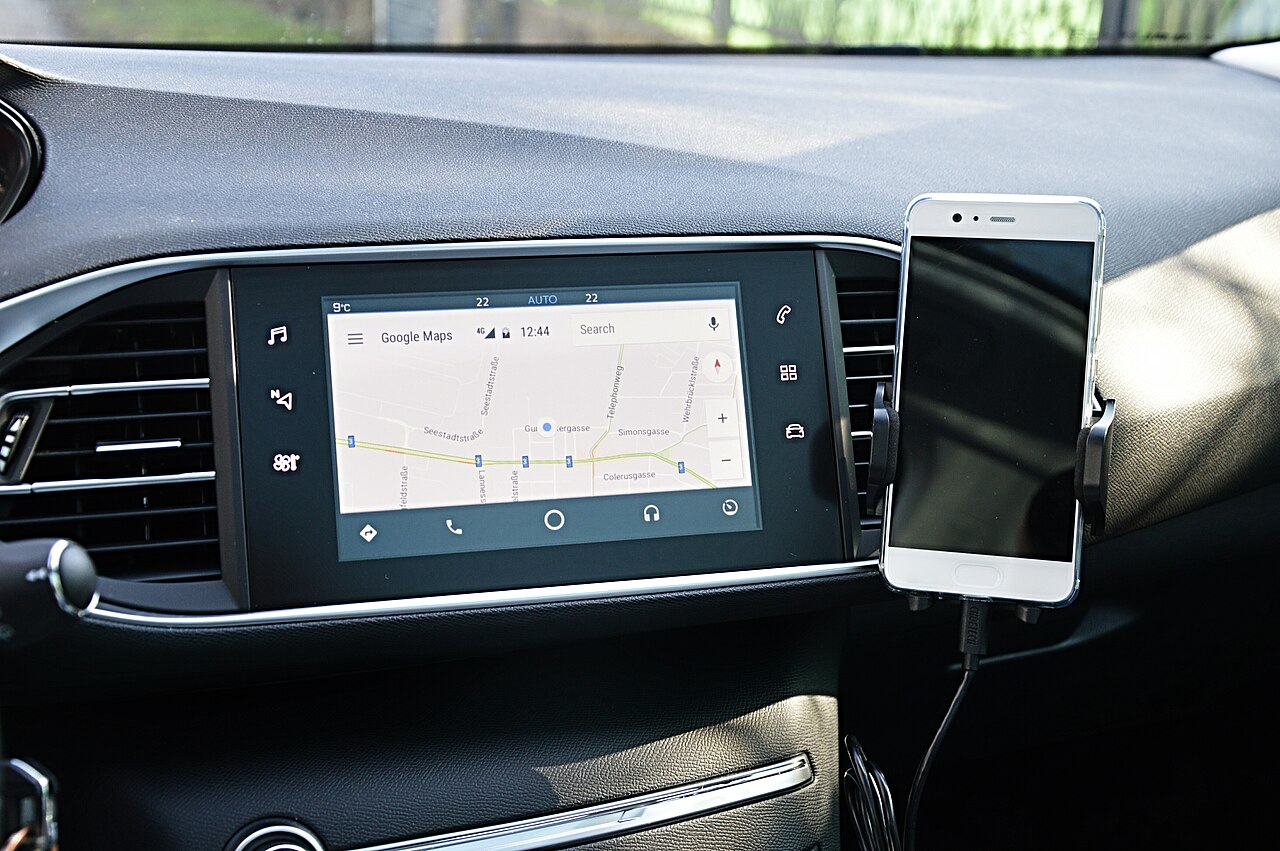
- Retrieve details without pulling over: “Find the car wash from the photo I took last week and navigate there.” No scrolling through your camera roll, no stopping to search.
- Pick up where you left off: “Take me to the coffee shop we were talking about yesterday.” Gemini checks your conversations and Maps history and sends you on your way.
- Stacked questions: “What’s my flight gate? And is my flight on time?” One command, two answers, no app switching.
For anyone who has argued with a car voice assistant over a misheard street name, this is the upgrade that makes talking to the dashboard feel less like a formality and more like asking a passenger who actually knows you.
Privacy and opt-in details
Personal Intelligence is opt-in. If you already enabled it for the Gemini app on your phone, it will come to Android Auto automatically. If not, nothing changes.
Google is direct about the fallback: if you do not use Personal Intelligence, everything in the car still works. You can navigate, listen to music, make calls, and ask questions. The only difference is that answers will not be tailored to you.
On Android Automotive, the systems built directly into car dashboards, Personal Intelligence will only share personalised responses when you are in the car with your phone connected. Park the car, unplug the phone, and the personal context stays with the phone.
If you are uneasy about a dashboard reading your Gmail, the honest answer is that this is the same data trade Google apps already make on your phone. The difference is the setting now follows you into the car. Check the Personal Intelligence toggle in the Gemini app on your phone if you want to review what is shared.
When does it arrive
Personal Intelligence started rolling out to Android Auto on October 20. Availability for Android Automotive, the cars with Google built in, follows in the coming months. Rollouts like this are gradual, so the feature may not appear on your commute tomorrow.
Two things affect what you get. First, you need the Gemini experience in your car rather than the older Google Assistant layer, which requires a compatible car or aftermarket unit. Second, the feature depends on your Google account settings, so a family car with multiple profiles will behave differently for each driver. Rollouts like this also tend to be server-side, so an updated Gemini app on your phone is worth installing before you expect anything new on the dashboard.
Getting the best out of Gemini in the car
A few practical habits make the assistant far more useful:
- Keep confirmations in Gmail. Flight bookings, hotel reservations, and restaurant confirmations in your inbox are the raw material Gemini uses. The cleaner your email, the better the answers.
- Save places in Google Maps. A place you saved is a place Gemini can navigate to when you reference it vaguely.
- Ask follow-ups instead of restarting. “What about the gate?” after a flight question keeps the context.
- Say what you would say to a person. “The place with the good dosa near the office” beats a search string. That is exactly the style of query this system is built for.
- Turn it off in one tap if it feels like too much. The opt-in toggle in the Gemini app governs the whole thing.
Bigger picture: the assistant race moves to cars
For years, car voice assistants were an afterthought, good for calls and radio presets. With Gemini bringing account context into Android Auto, the car is becoming a proper surface for personal AI. Apple is pushing its own version of this direction with Siri, and every car maker with a built-in system has to decide how much personal data the dashboard should see.
There is a practical angle for Indian drivers too. Route planning in cities like Bengaluru and Delhi is less about addresses and more about landmarks and shared pins. A system that understands “the place near the temple we went to last Sunday” matches how people actually navigate. As Google Maps data improves in Indian cities, these context-aware queries will save more time than any map UI tweak.
For Android users, the practical takeaway is simple. The most useful assistant in your car is now the one that already knows your calendar. Whether you let it keep knowing is up to the toggle in your phone settings.
What is Gemini Personal Intelligence on Android Auto?
It is a personal layer for Gemini that uses your Google account context, including Gmail, Calendar, Photos, Maps, Search, and YouTube, to answer questions without you repeating details. It lets the car assistant handle queries like “What’s my flight gate?” or “Take me to my appointment” in one step.
Is Gemini Personal Intelligence in the car opt-in?
Yes. It is opt-in, though if you enabled it for the Gemini app on your phone it will come to Android Auto automatically. Without it, navigation, music, calls, and general questions all still work. The answers are just not personalised.
Which cars get Gemini Personal Intelligence?
Android Auto users are getting it first, with the rollout starting on October 20. Cars with Google built in, which run Android Automotive, get it in the coming months, and only when your phone is connected.
Can Gemini in the car read my Gmail and photos?
When Personal Intelligence is enabled, Gemini can use information from Gmail, Calendar, Photos, and other Google services to answer your questions. That is how it finds your flight details or the car wash from a photo. You can disable the feature in the Gemini app settings at any time.
