



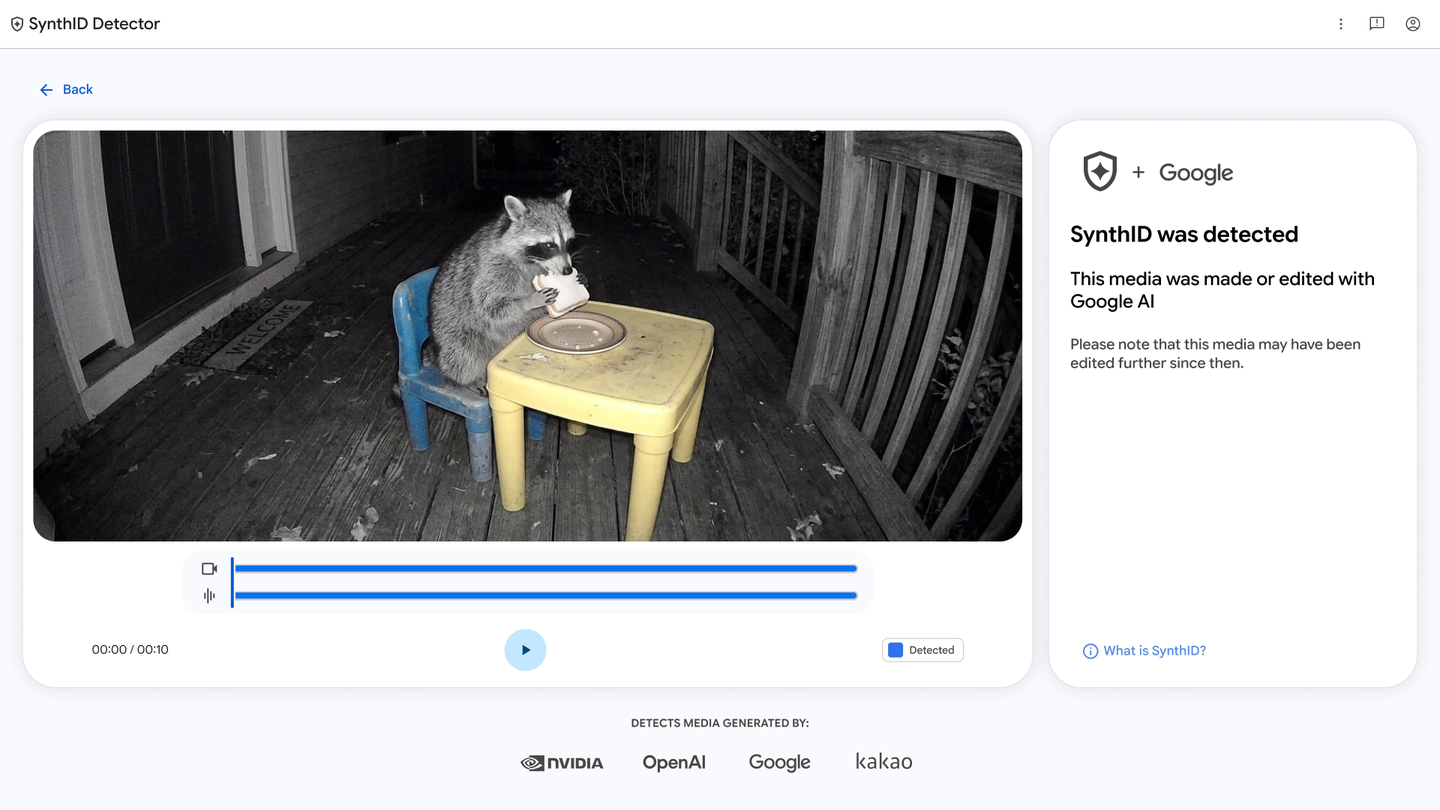
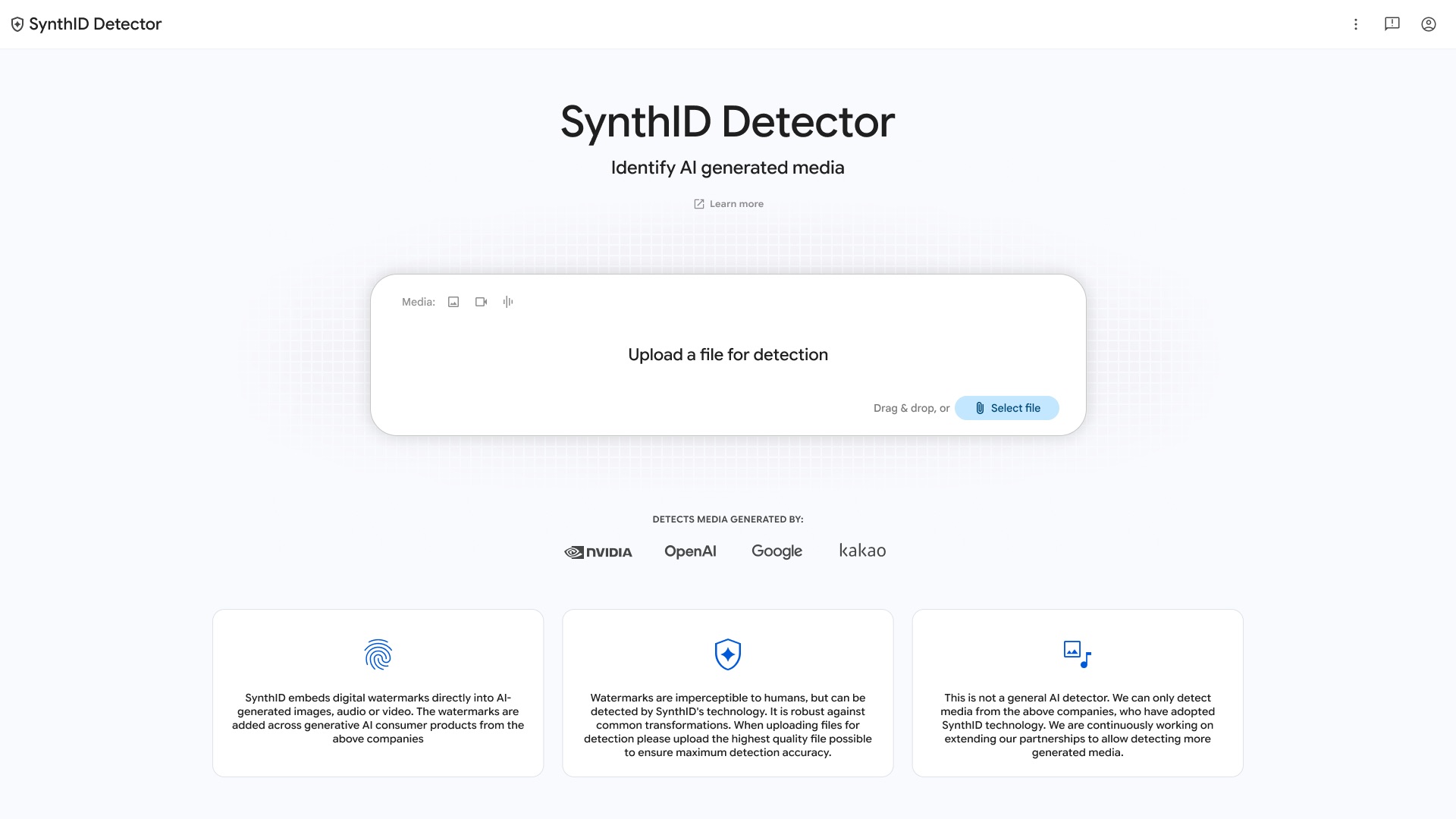
Google has opened its SynthID Detector tool to users across the world, stepping out of the limited early access phase it has been in since launch. Announced on 7 October 2026, the tool is now available globally in English, with support for more languages expected later. Anyone can visit the SynthID Detector website, upload a photo, video or audio clip, and check whether the file carries an invisible AI watermark.
The timing matters for Indian internet users, where AI-generated images and deepfake videos spread quickly on WhatsApp groups and social media. Being able to check a suspicious file before forwarding it is a small but practical step against misinformation.
How SynthID detection actually works
SynthID does not guess whether an image looks artificial. Instead, it looks for a digital watermark that compatible AI models embed at the moment of generation. Google DeepMind built the watermark to be invisible to the human eye while surviving everyday edits such as cropping, colour correction, compression and screenshots. When a file is uploaded to the detector, Google checks for that watermark and reports whether SynthID was found.
The important limitation is that detection only works when the generation tool inserted a watermark to begin with. If a file was created by an AI model that does not support SynthID, the detector cannot make any claim about it either way. Google is clear that this is not a general purpose AI detector.
Which AI models are covered
At launch, SynthID Detector recognises content from Google’s own Gemini models as well as partner models from OpenAI, Nvidia and Kakao. Apple has joined the list too, and Google says images created with Apple Intelligence will carry the SynthID watermark soon. As more companies adopt the standard, the share of AI content that can be verified will grow.
Google has been expanding where SynthID checks appear. Earlier this year the company added AI detection for photos, videos and audio inside Search and Chrome, and this global release pushes the same idea to a standalone tool that anyone can use directly.
What Indian users should keep in mind
The detector is free to use and works in the browser, so there is no app to install. For the most reliable result, upload the highest quality version of the file you have, since heavily compressed forwards can be harder to analyse. If the tool reports a SynthID match, the file was generated or edited with AI from a participating company. If it reports no match, treat that as inconclusive rather than proof of authenticity, especially for content from unknown tools.
FAQ
Is Google SynthID Detector free to use?
Yes. The tool is available on the web at no cost and does not require a Google account to run a basic check.
Can SynthID detect ChatGPT or Sora images?
Yes, for content generated with OpenAI models, since OpenAI is a SynthID partner. The file must have been generated after watermarking support was rolled out on OpenAI’s side.
Does the detector work on normal camera photos?
Photographs taken with a regular camera do not carry a SynthID watermark, so the tool is not designed for them. It checks for AI watermarks only.
What if my image was edited after AI generation?
The watermark is built to survive normal edits such as cropping and compression, so a match can still be found. Very heavy editing can reduce reliability, so Google recommends uploading the best quality copy available.
Does it support Indian languages?
The interface is currently available in English, and Google has said more languages will follow in future updates.
