



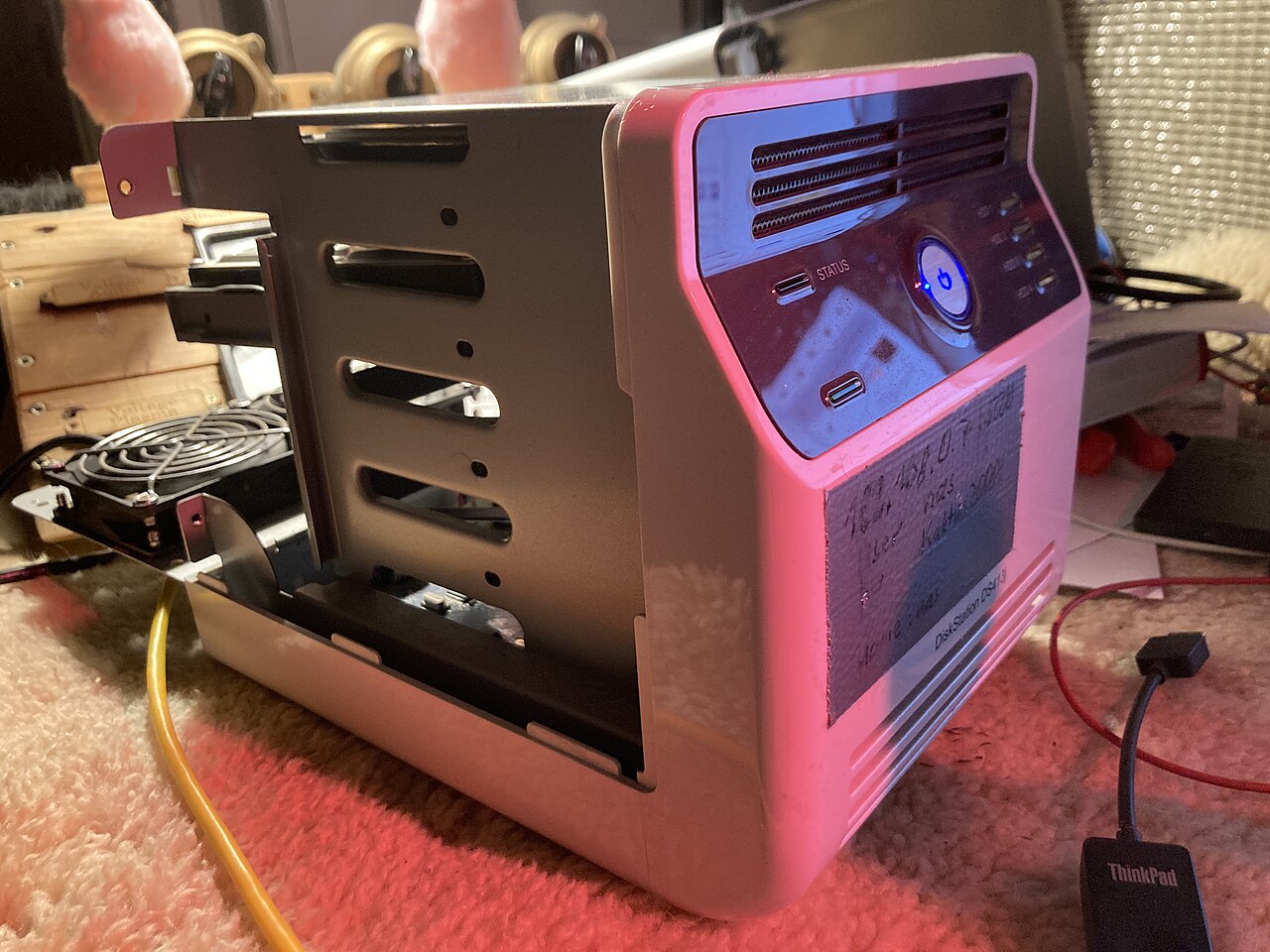
Self-hosting used to mean spending an evening reading changelogs before you could try a single new service. That friction is disappearing. A widely shared write-up by developer Jan-Lukas Else, which shot to the front page of Hacker News this week with more than 450 points, makes a simple case: AI coding agents have made running your own server fun again. The idea has struck a nerve because most people who own a home server know the feeling exactly.
Why Self-Hosting Lost Its Spark for Most People
The pattern is familiar. You buy a NAS or repurpose an old PC, install a stack of services, and spend the first month happily tinkering. Then the maintenance settles in. Version bumps, breaking changes, reverse proxy rules, certificate renewals, and suddenly trying something new feels like unpaid work.
As Else puts it, he never really stopped self-hosting, but he became less inclined to experiment. Maintaining what was already running was enough. Many small ideas got postponed not because they were hard, but because the setup effort was not worth a free evening. The result is a shelf of half-finished homelab plans that every self-hoster recognises.
What AI Coding Agents Actually Change
The unlock is simple: keep your infrastructure in Git. Docker Compose files, shell scripts, config files, all in repositories. Once your setup is code, an AI coding agent can work on it the same way it works on a software project.
- Less documentation grinding. Instead of reading three changelogs to plan a version bump, you describe the outcome and review the diff.
- Lower activation energy. Spontaneous ideas become same-evening projects. The cost of trying something drops from a weekend to an hour.
- Learning while building. You do not need to master a tool before starting. You can ask questions as you go and improve the configuration gradually.
- Reviewable changes. Because everything lands as a Git diff, you can see exactly what the agent changed before it touches a running server.
None of this requires handing your server to a bot. The safe pattern is what Else describes: the agent writes configuration into Git, and a human reviews and merges it. The server only ever pulls what has been merged.
Case Study: NixOS and Bootc Images
Some technologies sit on every self-hoster’s “one day” list. For Else, that was NixOS, the Linux distribution where the entire system is declared in configuration files. He had tried it on a laptop years ago but found the learning curve too steep to get everything working.
With an AI agent as a guide, the same project became approachable. The result: a much more extensive NixOS setup on his home server, and a custom Debian-based bootc image for his VPS infrastructure, where the whole operating system is defined in a Git repository and automatically built into a bootable container image. His estimate: the bootc setup took half a day with AI help, and would have taken at least a week without it.
Automating the Boring Parts
The bigger win is not the first install. It is the tenth month of maintenance. The update loop that used to take an evening now takes one Git push, if that:
- Renovate watches your repositories and opens pull requests when new container image versions are released.
- You review the changelog summary and merge, sometimes from a phone.
- GitHub Actions or Forgejo Actions workflows build and deploy automatically on merge.
- The old manual loop of bumping versions, SSH-ing in, pulling and restarting is gone.
This is standard DevOps practice, and none of the tools are new. The point of the story is that AI helps individuals assemble the pieces. Small teams and hobbyists get the workflow that used to need a dedicated ops person, without needing to become one first. And because the automation keeps paying off after setup, adding one more service does not add one more weekly chore.
How to Try This Yourself
You can rebuild the same workflow with any AI coding agent and a weekend. A practical order of operations:
- Put your configs in Git first. Docker Compose files, nginx configs, cron scripts. If it is not in a repository yet, that is step zero.
- Pick one stalled project. The service you have wanted for months but never got to. Give the agent the goal and a constraint list.
- Review before you merge. Treat agent output like a junior colleague’s pull request. Read the diff, check open ports and volume mounts.
- Automate updates early. Renovate plus a deploy workflow removes the maintenance tax that kills homelab enthusiasm.
- Keep secrets out of the repo. Environment files and API keys stay outside Git. A .gitignore entry is not optional here.
- Prefer open-weight models where you can. If you want to keep the independence gains, using models you can swap between providers avoids trading one dependency for another.
Where the Risks Still Are
AI-assisted infrastructure is not risk-free, and the Hacker News thread pulled the caveats into focus. An agent that confidently writes a working config can also confidently open a port to the world or mount a host directory it should not. The review step is the whole safety model, which means you still need enough fundamentals to read a Docker Compose file and spot an exposed socket. The other dependency is real: if your setup relies on an AI service for every change, a price hike or a shutdown stings more than it should. Keeping the workflow rooted in Git, with open-weight models for the routine work, keeps the leverage where it belongs.
The Irony Worth Noting
There is a pleasing contradiction in all of this. AI development is dominated by the biggest tech companies in the world, and yet using it is helping people depend on those companies a little less. The configurations and tools created with AI help outlive the AI service that produced them. As the Hacker News discussion noted, the appeal is not really time saved on paper. It is that the small ideas finally get built, the unfamiliar technologies finally get tried, and the hardware that sat in a cupboard finally gets powered on again.
FAQ
Do I need to know Docker and Linux well to self-host with AI?
No, but basic familiarity helps you review what the agent produces. The whole point of the workflow is that you can learn as you go. Start with one service, review every change, and your understanding grows with the project.
Is it safe to let an AI agent write server configuration?
Safe enough if you keep a human review step. Have the agent commit changes to Git, inspect the diff for open ports, mounted volumes and exposed secrets, then merge. Never let an agent apply unreviewed changes straight to a production server.
What tools do I need to automate self-hosting updates?
Renovate for version bump pull requests, plus GitHub Actions or Forgejo Actions to build and deploy on merge. Both are free for personal use, and an AI agent can wire up the workflow files for you in one session.
Does AI-assisted self-hosting lock me into one AI provider?
It does not have to. The infrastructure it produces lives in your Git repositories and runs on your hardware. Using open-weight models where possible also keeps the setup portable across providers.
