



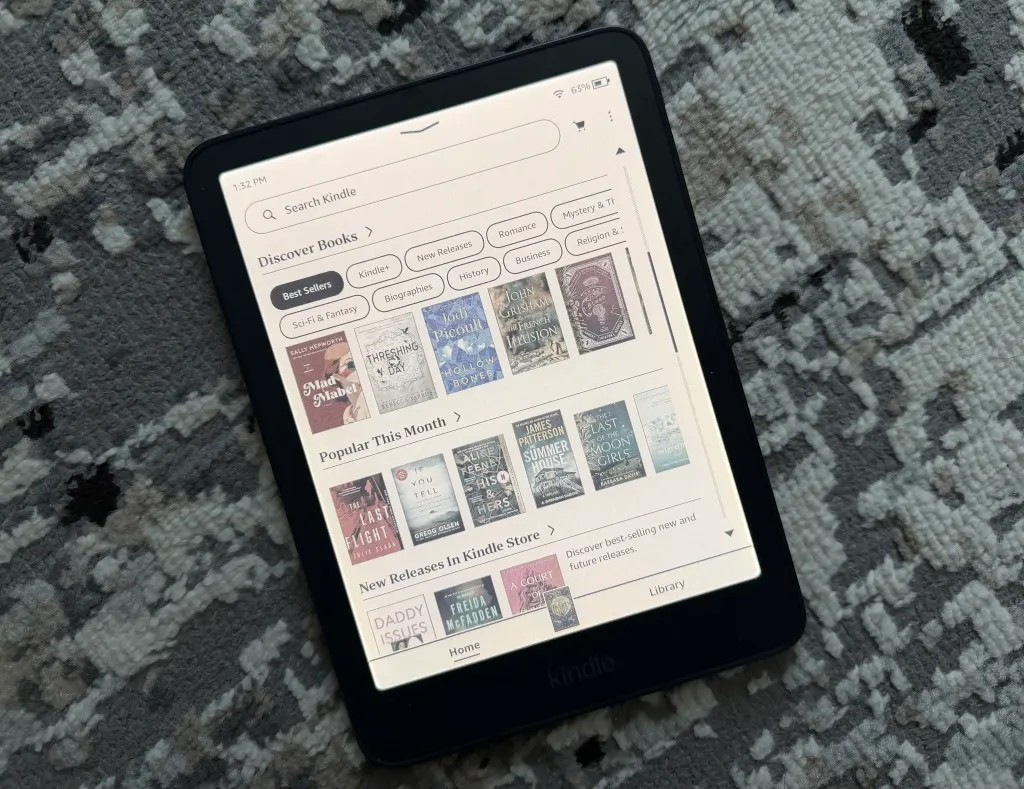
Amazon has a new Kindle Colorsoft, and the first thing most buyers will notice is the price. The 2026 color e-reader starts at $290, while the Signature Edition costs $320. That puts it firmly in premium territory. After spending a few weeks with the Signature Edition, here is what the new model changes, what stays the same, and who should actually buy one.
What Is New in the 2026 Kindle Colorsoft
Amazon first brought color to Kindles in 2024 with the original Colorsoft. The new model keeps the same core reading experience and focuses on the hardware around it.
- The device is lighter and thinner than the first generation.
- The display now runs edge to edge, with the old bezel look largely gone.
- The power button has moved from the bottom edge to the top-right corner.
- The Signature Edition gets an aluminium back and a new maroon-like Fig colour option alongside graphite.
That power button move sounds minor, but it fixes a real annoyance. On the first generation, the button sat next to the charging port on the bottom, so picking up the device could switch it off by accident. The new placement is much harder to hit by mistake.
Price and Variants
There are two versions of the new Kindle Colorsoft:
- Kindle Colorsoft (2026): $290, 16GB storage
- Kindle Colorsoft Signature Edition: $320, 32GB storage, aluminium back, graphite or Fig finish
Both prices are US listings. India pricing will be announced closer to the local launch, and exchange offers on older Kindles usually show up during sale season. If you are eyeing the budget end instead, our earlier review of the $169.99 basic Kindle covers why that model is enough for most readers.
One more thing on price: the colour models carry a real premium over the Paperwhite, and Amazon knows it. Watch for bundle deals that throw in a cover or a few months of Kindle Unlimited. Those bundles quietly close much of the price gap, especially during Black Friday and the festive sale window.
For the extra $30, the Signature Edition doubles the storage and gets the nicer finish. For readers who keep a large library of comics and graphic novels, that storage bump is the more meaningful upgrade.
Display and Reading Experience
The screen itself is largely unchanged on paper. Both the old and new Colorsoft use a 7-inch colour E-Ink panel with 300ppi resolution for black-and-white content and 150ppi for colour.
In practice, colour makes a real difference for certain kinds of reading. Comics, graphic novels and cookbooks look far better than on a standard Kindle, and colour highlighting helps if you use multiple highlight shades while studying or editing. The colour tones are still muted compared with an iPad, so this is not a tablet replacement. Think of it as a reading device that can show colour, not a colour display built for reading.
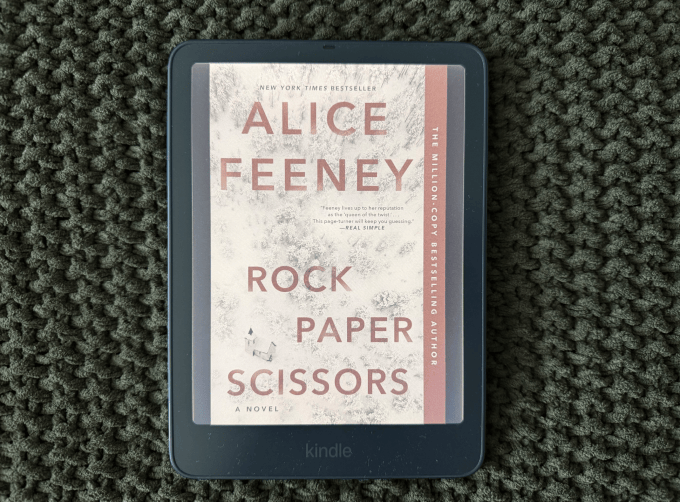
Night readers get two useful tools. There is a colour temperature control that shifts the screen to a warmer, more yellow tone, and an auto-brightness option that adjusts the front light as the room changes. Both work quietly in the background and reduce the eye strain you get from a cold-white screen at bedtime.
One caveat for graphic novel fans: colour resolution is 150ppi, which is half the sharpness of text. Fine print in speech bubbles and panel art will look softer than you are used to on a phone or tablet. Big panel art and covers look great, detailed line work does not. If you read a lot of manga or heavily lettered comics, test one of your own files on a display unit before committing.
Battery Life and Day to Day Use
Amazon claims up to eight weeks of battery on a single charge for the Colorsoft. That is below the Paperwhite’s rated 12 weeks, and the colour screen is the reason. In real use, charging is a non-event. Like other Kindles, the battery drains slowly enough that you top it up every few weeks rather than every few days.
The rest of the package is what Kindle owners expect: the same library and store, the same Goodreads integration, and the same distraction-free reading setup with no social apps or notifications. The lighter body makes longer reading sessions more comfortable, especially one-handed on a commute.
Kindle Colorsoft vs Paperwhite vs Basic Kindle
Amazon’s refreshed 2026 lineup makes the choice fairly simple once you know what you read.
- Basic Kindle: the value pick for novels and plain text. No colour, smallest screen, lowest price.
- Paperwhite: the all-rounder. Larger screen, 12-week battery, sharp text, and no colour either.
- Kindle Colorsoft (2026): the specialist. Colour for comics, magazines, cookbooks and highlights, at a premium price.
If more than a quarter of your reading has colour in it, the Colorsoft earns its price. If you mostly read novels, the Paperwhite is the smarter buy and the battery lasts longer. A useful test: look at the last ten books on your shelf. If most of them are text-only, colour E-Ink is a luxury you will not use.
What to Check Before You Order
- Storage needs. 16GB holds thousands of novels but fills up fast with comics and graphic novels. Heavy visual readers should take the 32GB Signature Edition.
- File formats. Kindle reads Amazon’s library best. If your collection lives in EPUB or PDF, check how your files handle colour before paying extra.
- Local pricing and offers. India pricing will be announced at launch, and bank offers or exchange deals often bring the effective price down during sale events.
- Case and protection. The lighter body is easier to hold but less forgiving of drops. Budget for a cover if you read on the move.
Should You Upgrade From the First Gen?
If you already own the first-generation Colorsoft, there is little reason to upgrade. The reading experience is the same, the resolution is the same, and the software is the same. The design fixes are welcome but not worth $290 on their own.
The new Colorsoft makes sense for three groups of buyers:
- Readers moving up from a black-and-white Kindle who read comics, graphic novels, cookbooks or children’s books.
- First-time e-reader buyers who want the top model and plan to keep it for years.
- Gift buyers looking for a premium device that does one job very well.
Everyone else should compare it against the Paperwhite first. The Paperwhite is cheaper, its battery lasts longer, and for pure text reading you will not miss colour much.
Quick Takeaway
- The 2026 Kindle Colorsoft starts at $290 for 16GB and $320 for the 32GB Signature Edition.
- It is lighter, thinner and edge-to-edge, with the power button finally moved out of the way.
- The 7-inch colour E-Ink screen is unchanged: 300ppi for text, 150ppi for colour.
- Up to eight weeks of battery, auto-brightness and warm light control included.
- First-gen owners can safely skip it. Colour readers and gift buyers are the natural audience.
FAQ
How much does the new Kindle Colorsoft cost?
The 2026 Kindle Colorsoft starts at $290 for the 16GB model. The Signature Edition with 32GB storage and an aluminium back costs $320. India pricing will be announced later.
What is the difference between the Kindle Colorsoft and the Signature Edition?
The Signature Edition doubles the storage to 32GB, adds an aluminium back and comes in graphite or a maroon-like Fig finish. The display, battery rating and software are the same on both models.
Is the Kindle Colorsoft good for comics and graphic novels?
Yes. Colour E-Ink keeps book covers, comics, graphic novels and cookbooks in their original colours, which is the main reason to pick a Colorsoft over a standard Kindle. The colours are muted compared with a tablet but far better than black and white.
Should first generation Colorsoft owners upgrade?
Not really. The new model is lighter, thinner and fixes the power button placement, but the display and reading experience are the same. Keep the first gen until it wears out.
